
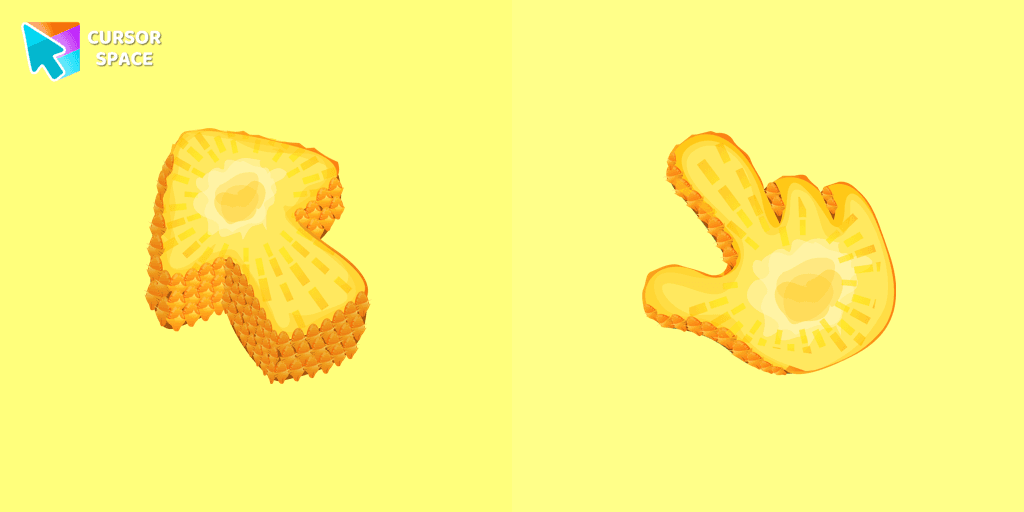
Pineapple Texture cursor
166Free
Enjoy a tropical touch with the Pineapple custom cursor for Google Chrome. Bring sunny vibes to your browsing with this fun and refreshing design.
Browse our full collection of custom cursors. Find your next favorite style and install it for free.
Enjoy a tropical touch with the Pineapple custom cursor for Google Chrome. Bring sunny vibes to your browsing with this fun and refreshing design.
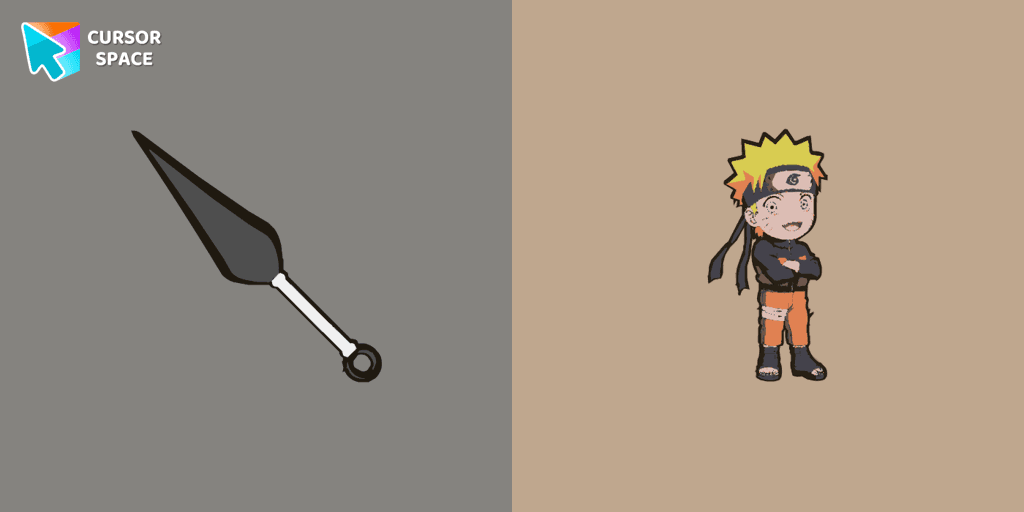
Customize your mouse pointer with the Anime Naruto custom cursor. Show your love for the series with iconic Naruto characters in your custom cursor for Google Chrome.

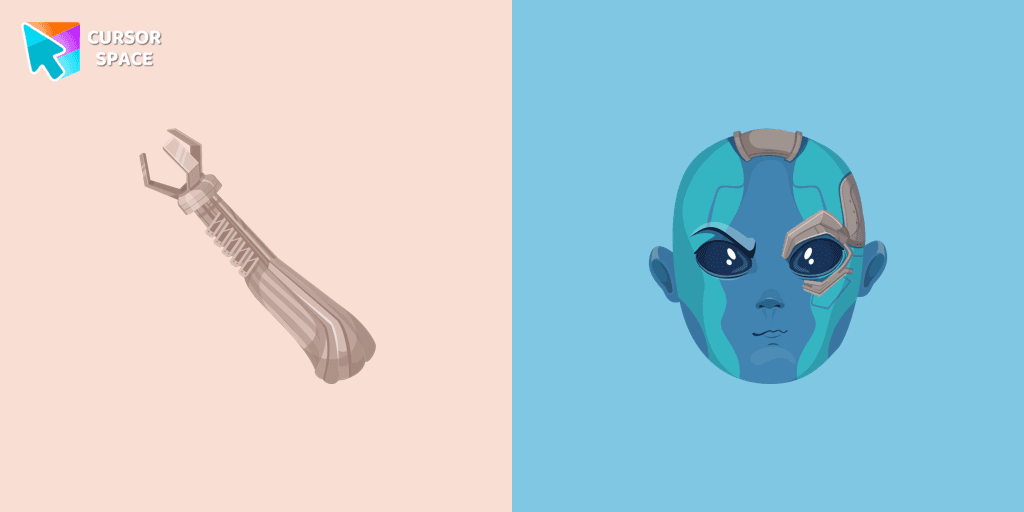
The Nebula custom cursor for Google Chrome offers a bold and striking design, perfect for fans of Guardians of the Galaxy. Elevate your browsing experience!
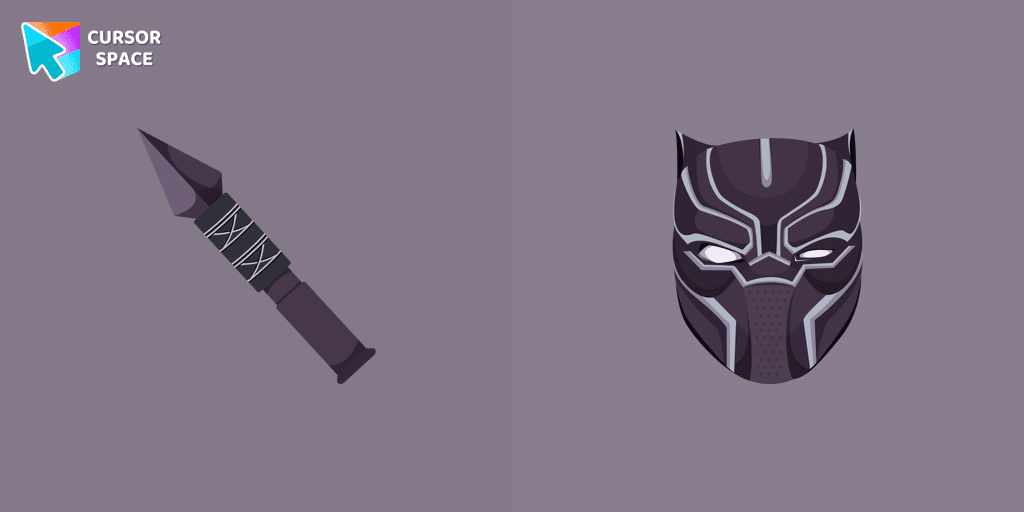
Join T'Challa, the Black Panther, with our custom cursor for Google Chrome. Navigate your tabs quickly and stylishly with these Marvel-inspired cursors.

Enchant your desktop with Oreo Spark Purple custom cursors for Chrome. Add a magical touch to your digital experience today!
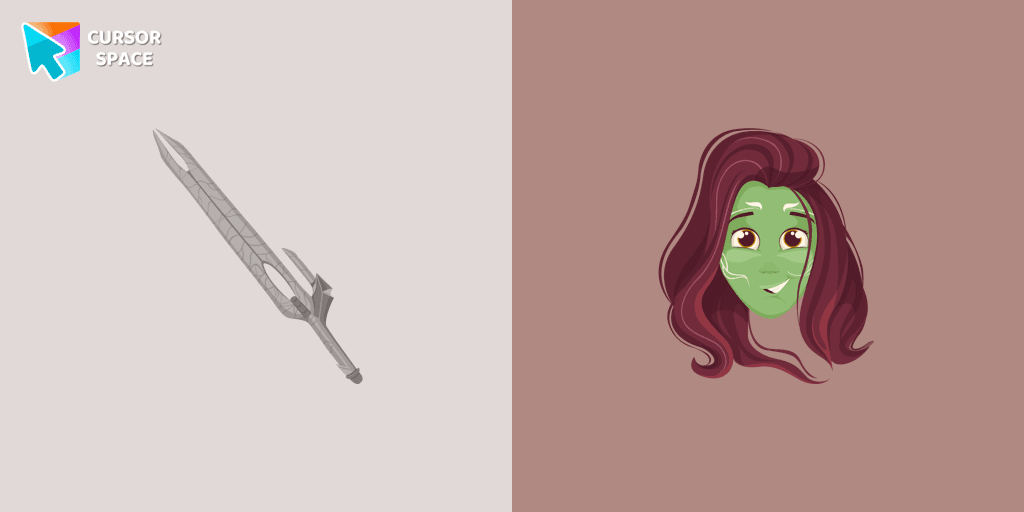
The Gamora custom cursor for Google Chrome features a sleek design with the assassin's bladed weapon, perfect for fans of Gamora and unique cursor designs.
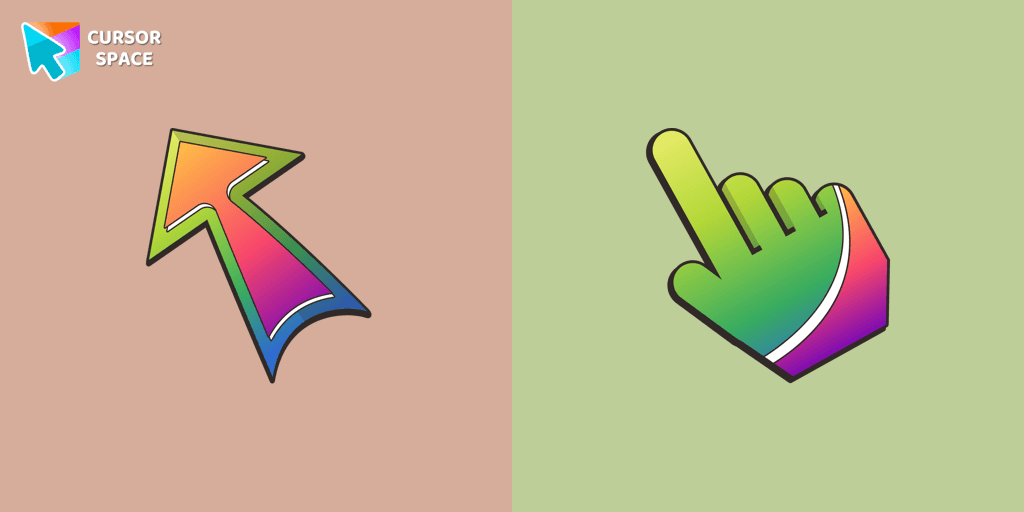
Embark on a vibrant browsing journey with The Cursors for Chrome! Enhance your mood with striking custom cursors, featuring the standout "Bright" design.

Elevate your Chrome experience with The Skeleton custom cursor—its spooky, standout design transforms your browsing and turns heads instantly!
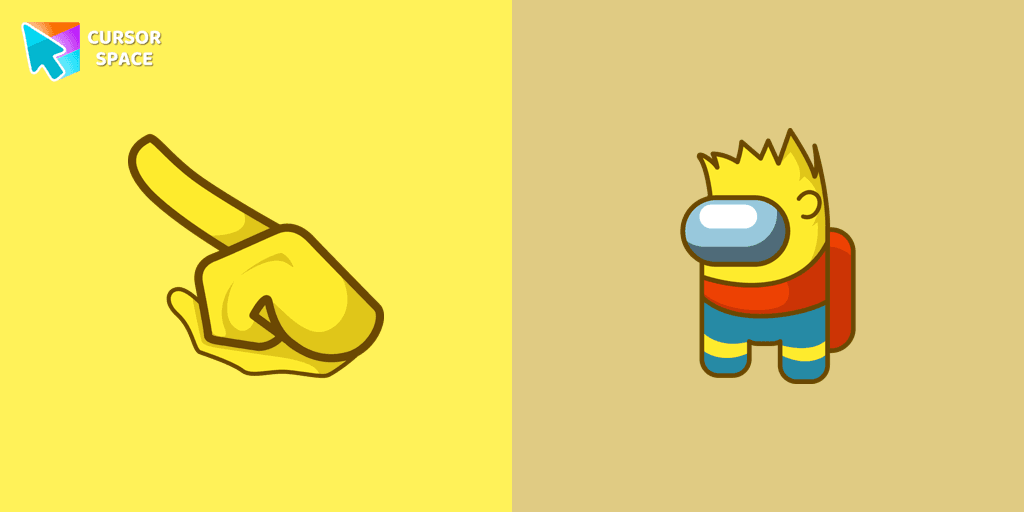
Enhance Your Among Us Gaming Experience with the Bart Simpson Character Cursor

Among Us Darth Vader Character Cursor - Embracing the Dark Side in the Cosmic Deception

Upgrade your browsing with a custom cursor for Google Chrome. Experience the unique Among Us Naruto character cursor, blending Naruto with Among Us for a fun, engaging experience.
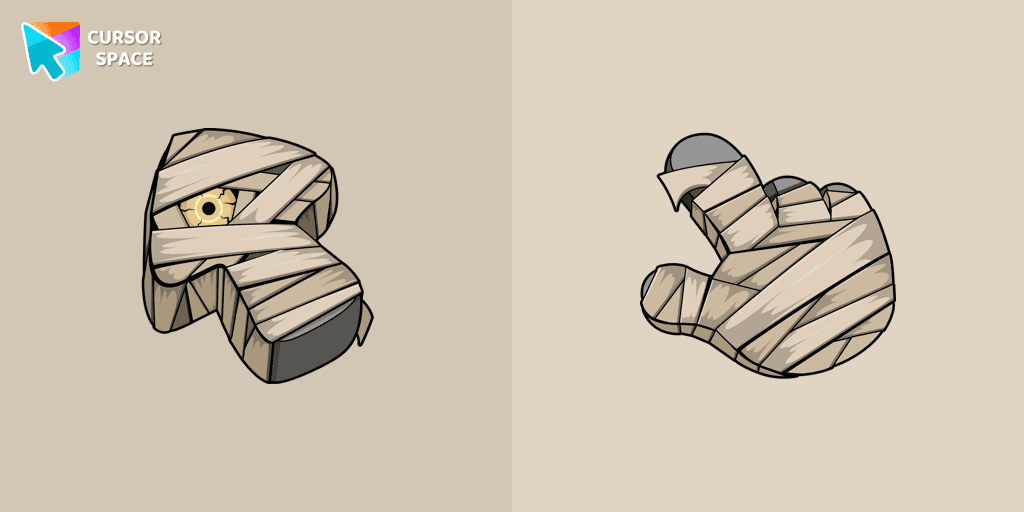
Get into the Halloween spirit with the Mummy Texture custom cursor for Google Chrome. Add a festive touch to your browsing with this fun and spooky design.
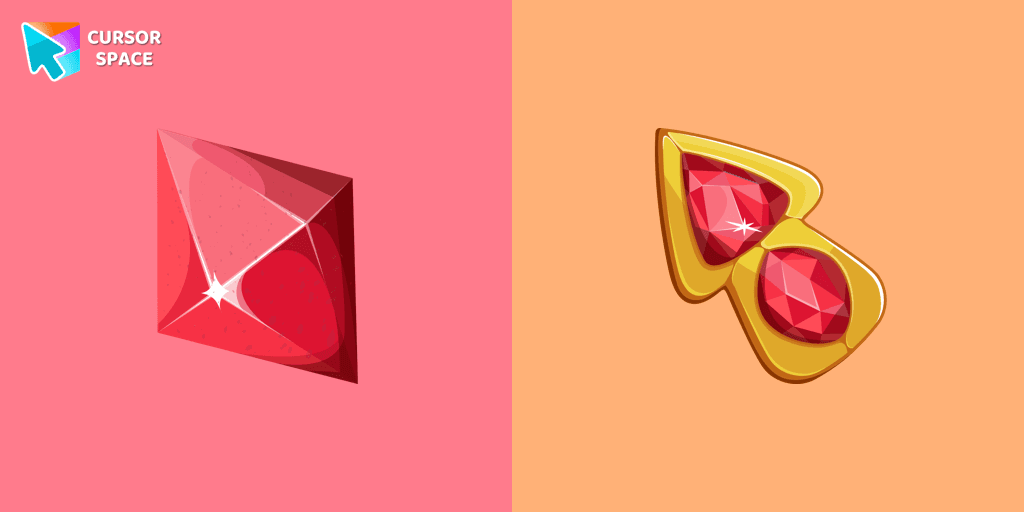
Let The Red Diamond lead the way and make your browsing experience extraordinary.

Upgrade your browsing with the Abstract Purple Texture custom cursor. This Google Chrome custom cursor offers style and sophistication with its rich purple design.

Oreo Spark Lime Cursors add a vibrant, refreshing touch to your desktop with their lively lime color and dynamic design, perfect for a zesty interface.

Unleash the Power of the Among Us Dragonite Character Cursor: A Fusion of Mystery and Mythical Charm
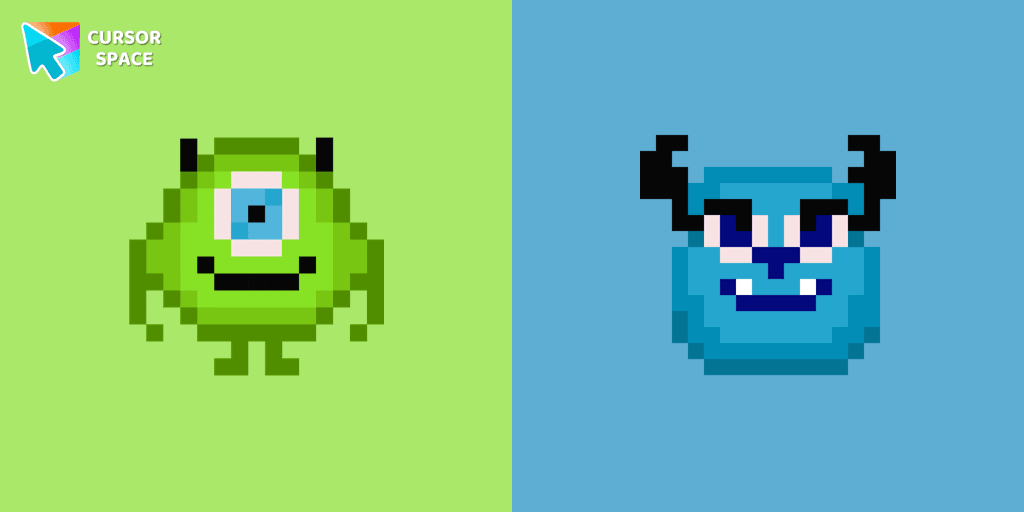
Cute custom cursor with Monsters, Inc includes a mouse cursor in the form of Mike Wazowski and a hover pointer with James P. Sullivan.
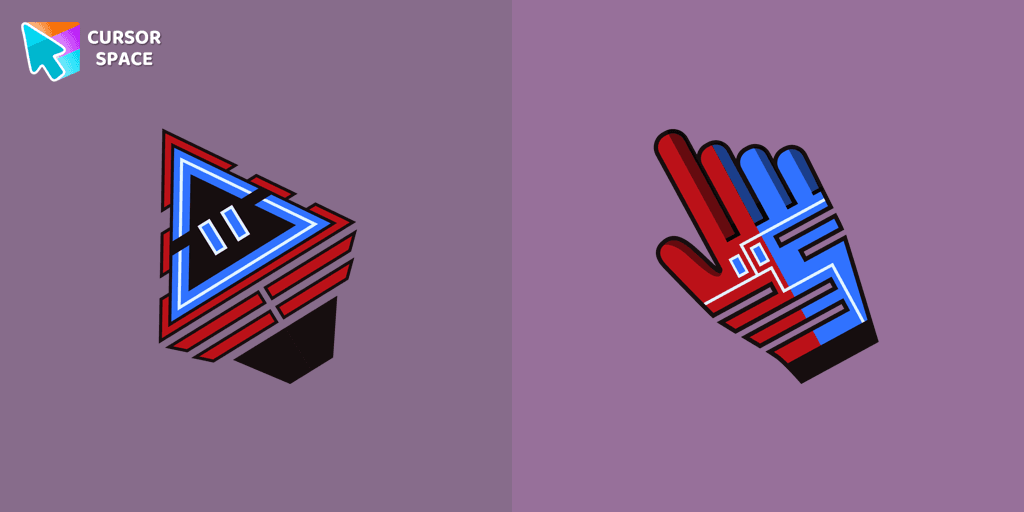
Improve your online experience with The Robot custom cursor. It's cute, customizable, and full of personality - your ideal internet companion is ready for you!
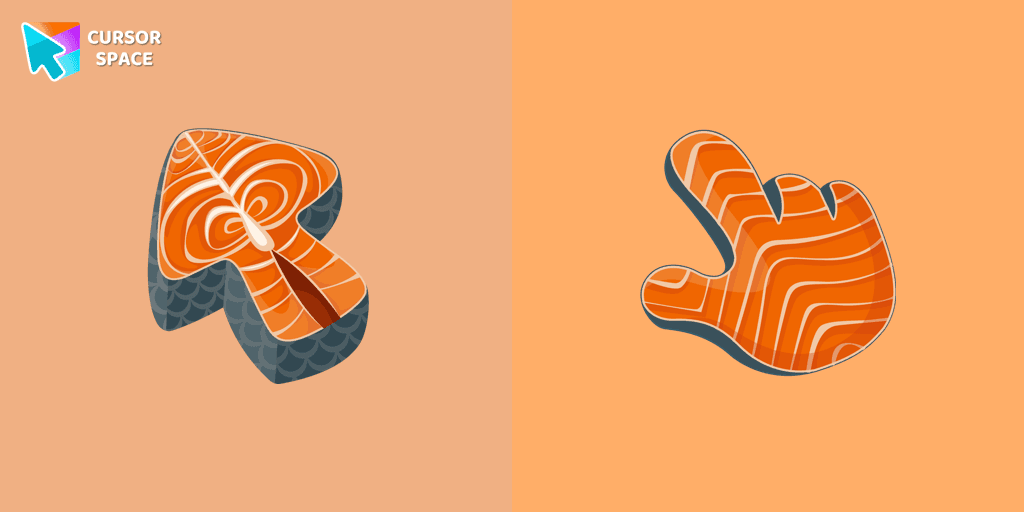
Salmon is packed with nutrients, and now you can enjoy it as a custom cursor for Google Chrome. Add this healthy and delicious design to your browser today.
Cursor Space packs include curated cursor sets for everyday browsing: cute, minimal, anime, neon, pixel art, and more. Each pack comes with multiple cursor states (like default and pointer) and can be added to your browser in seconds.
Fresh picks based on what people install most often.
Browse themed sets grouped by vibe and aesthetic.
See weekly, monthly, and all‑time leaders.
Quick answers to common questions about cursor packs, collections, and installation.
Most cursor packs on Cursor Space are free to browse and install. Some packs may be marked premium depending on licensing. The Cursor Space browser extension is free to install from the Chrome Web Store.
Yes. Install the Cursor Space extension for Chromium-based browsers (Chrome, Edge, Brave), open a pack page, and click install/apply. The extension applies the cursor set across your browser.
Open the pack page, click the install or add button, install the Cursor Space extension if prompted, then apply the pack from the extension popup. Your new cursor appears immediately.
Yes. Open the Cursor Space extension, choose another pack, or restore the default system cursor from the extension settings.
Cursor Space is distributed via the Chrome Web Store and Edge Add-ons. Keep the extension updated, and only install packs from trusted catalog pages on this site.